
Quick Start Guide
Set up your LinumIQ smart home and understand the out-of-the-box behavior
1. Place Your Pre-Configured Components
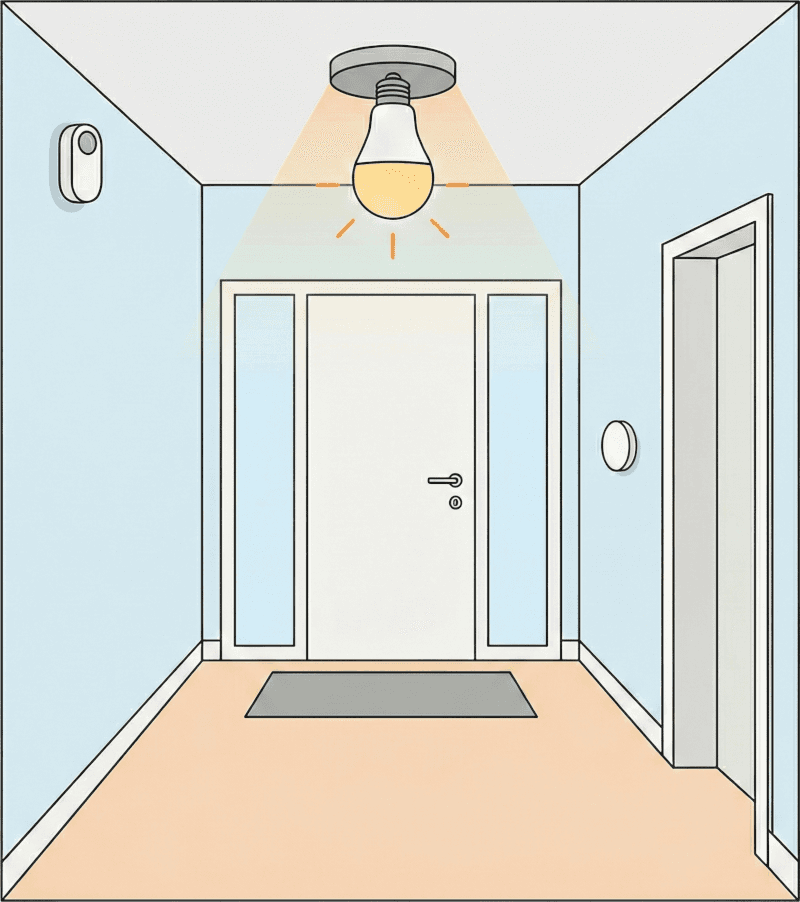
Place the components close to the entrance.
- Motion-activated light: the entrance light turns on when motion is detected and turns off after a period of inactivity.
- Single-tap manual override: single-tap the white button to toggle the entrance light at any time. This is especially useful if the motion sensor battery is low or empty.
- Double-tap all off: double-tap the white button to turn all smart plugs off.
- Security check: after double-tap, the bulb shows security status for 1 second:
- Red - at least one door/window sensor is open.
- Green - all door/window sensors are closed.
2. Position Blue Ring Buttons and Smart Plugs
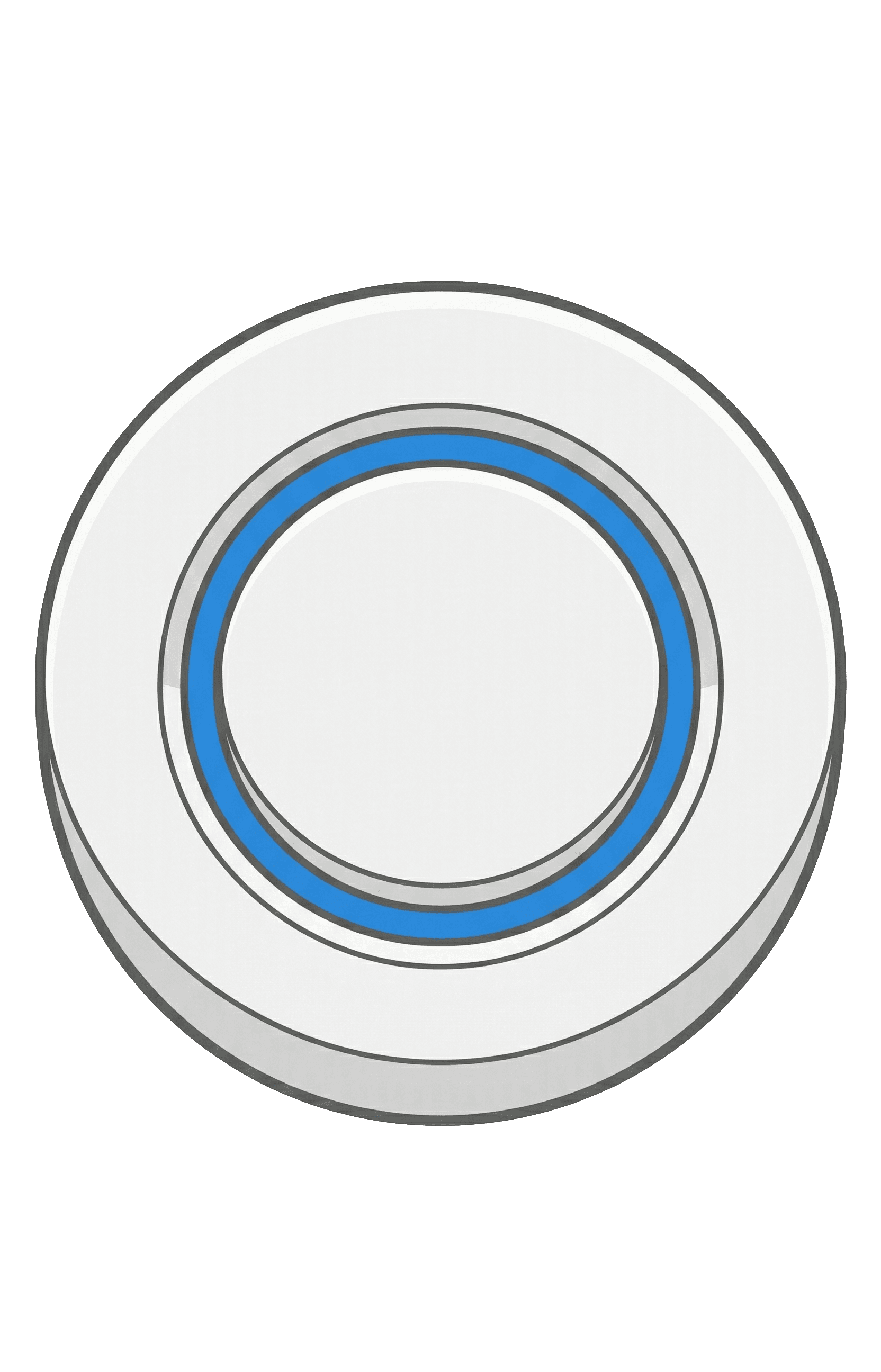
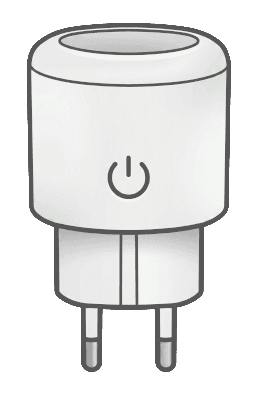
Place smart plugs where you want to switch connected devices and monitor power consumption.
Blue ring buttons and smart plugs use matching numbers:
- Button 1 controls Smart Plug 1
- Button 2 controls Smart Plug 2
- and so on
Pressing a blue ring button toggles its corresponding smart plug on or off.
3. Mount Door/Window Sensors
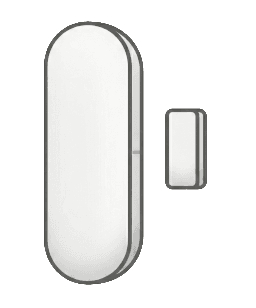
Mount sensors on the doors/windows you want to monitor. Use either magnet size.
Sensor states (open/closed) feed into the white button double-tap security check.
Tip: Postpone final mounting until you are logged into Home Assistant so you can align using live status feedback.
4. Connect Your Home Assistant Green
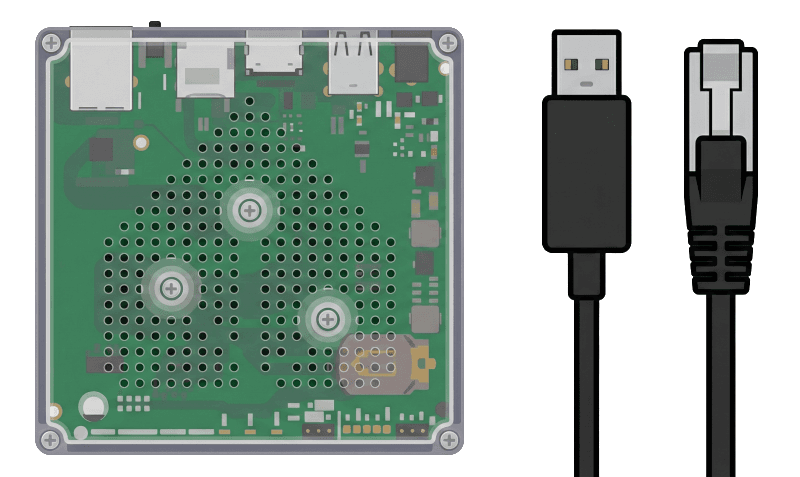
Before powering on:
- Connect the network cable.
- Plug in USB extensions/dongles.
- Plug in the power supply.
- Wait for startup.
5. Access Your Smart Home

Browse to http://homeassistant.local:8123 or use the Home Assistant app.
Log in with:
| Field | Value |
|---|---|
| User | user |
| Password | LinumIQ |
After login, verify:
- Pressing the blue ring button toggles the smart plug.
- The smart plug reports power usage.
- The door/window sensor updates between open and closed.
Action Required
Change your password immediately after your first login to enhance account security.
Default Behavior Summary
Out of the box, the kit includes motion-based lighting, white button single/double-tap automations, numbered blue-button-to-plug control, and door/window sensor status integrated into the security check.